No Filter Review

explainer · Hands-on + researched · 18+

How to Do a Perspective Change in Janitor AI (3 Prompts That Stick)

How to do a perspective change in Janitor AI: no official POV setting exists, so here are the three prompt placements that work, ranked by durability.

If you sign up through a link marked "Visit site", I may earn a commission. It never changes what I write. Every number is measured before any partnership exists, and the test date is printed next to it.

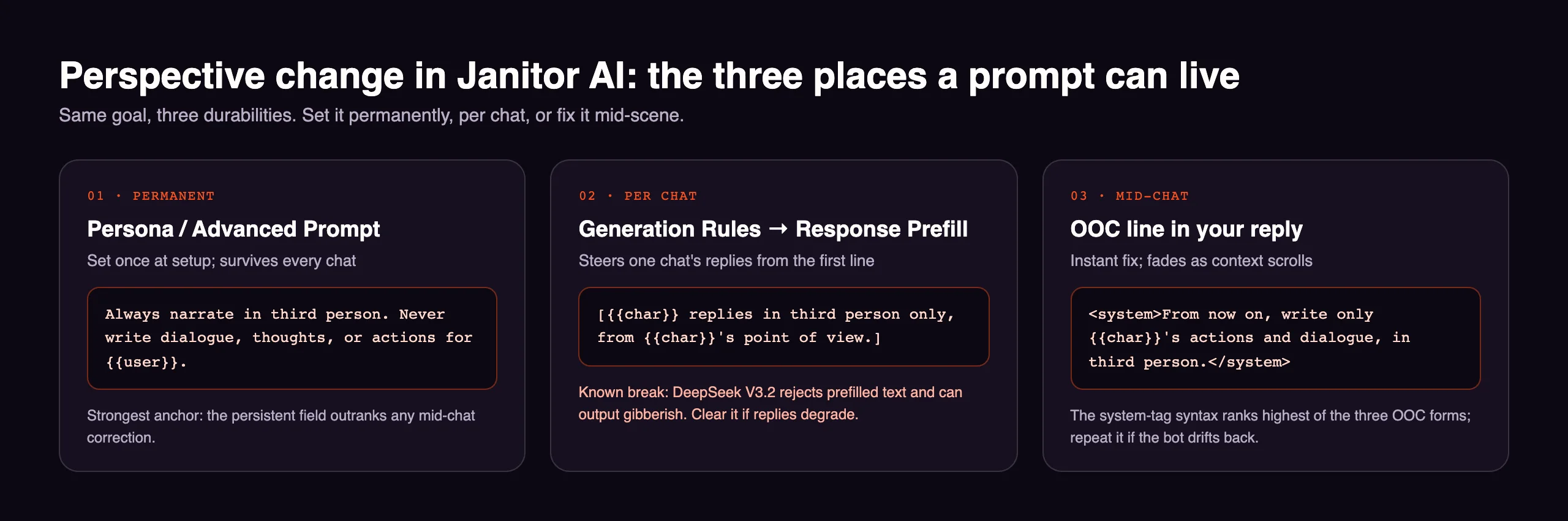
Diagram of the three Janitor AI prompt placements for perspective control: persona prompt, response prefill, and OOC line
Evidence captureThe whole technique on one card: same goal, three durabilities. Set it permanently, per chat, or fix it mid-scene.

The answer first: there is no POV button

A perspective change in Janitor AI is done with prompts, because the platform has no POV feature: nothing in the help center offers a first-person or third-person setting, and the only official article that touches the topic uses a POV instruction as an example of phrasing, not as a feature. So the real question is not what to type; it is where to put it. Janitor gives you three placements with three different lifespans, and the whole technique fits on the card above.
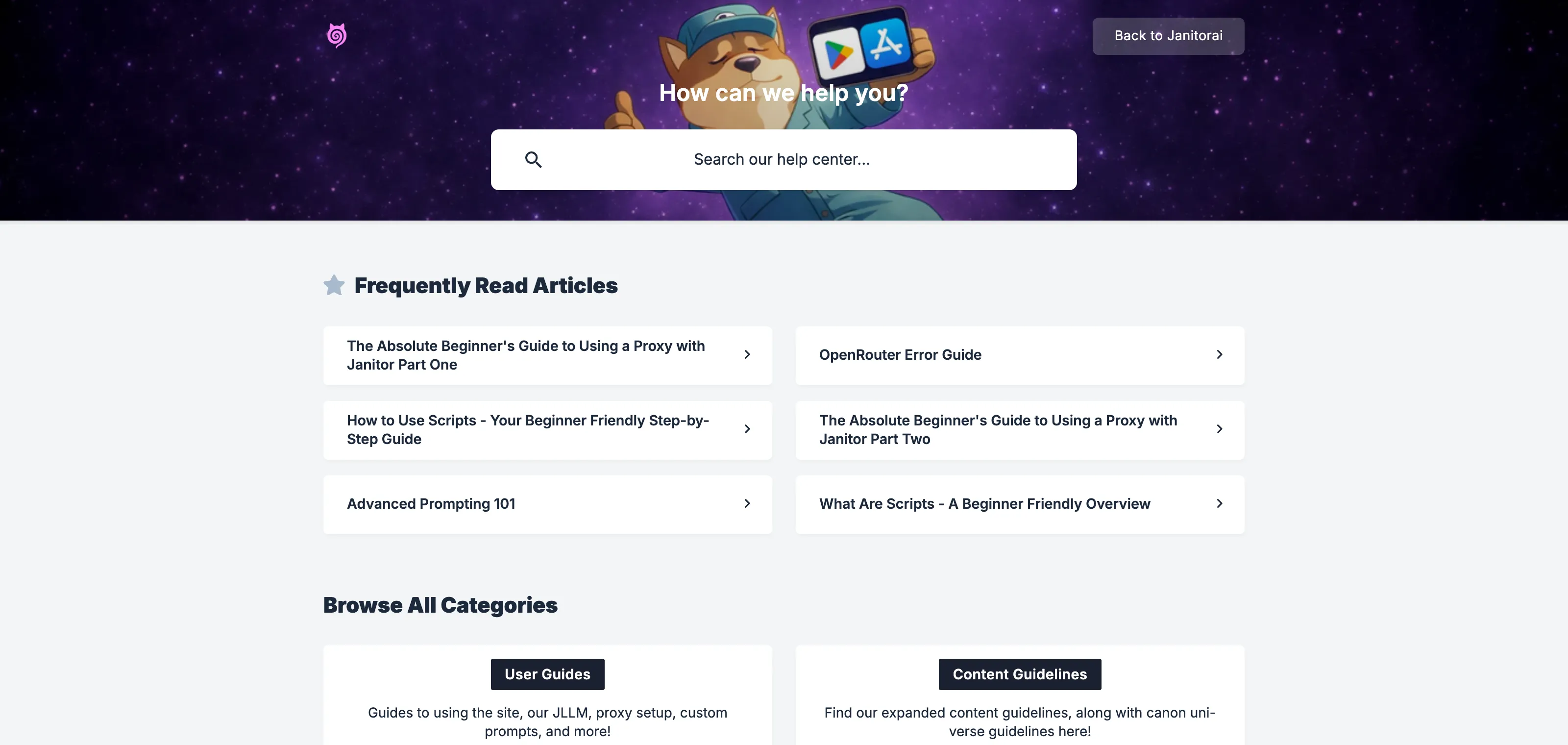
JanitorAI's official help center; none of its categories offer a POV or perspective setting

What people mean by “perspective change” is usually one of two problems, and both use the same placements: making the bot narrate in a different person (first to third, or writing from the character’s own point of view), and the more common complaint, the bot speaking and acting as you. The prompts differ by a sentence; the mechanics are identical.

Placement 1: the persona or advanced prompt (permanent)

The persistent field is the anchor, and it outranks any mid-chat correction for durability. At character or persona setup, in the advanced prompt:

Always narrate in third person. Never write dialogue, thoughts, or actions for {{user}}.

Swap the first sentence for whatever perspective you actually want (“Narrate from {{char}}‘s point of view, in first person” works the same way). One phrasing note from the official prompting guide: bare negatives are weak on their own, so pair the “never” with the positive instruction, as above, rather than shipping the prohibition alone.

Placement 2: response prefill (per chat)

Generation Rules, then Response Prefill, seeds the shape of every reply in that chat:

[{{char}} replies in third person only, from {{char}}'s point of view.]

It works from the first message, and it carries one documented landmine: DeepSeek V3.2 rejects prefilled text and can output gibberish while a prefill is set. If you run a DeepSeek proxy and your replies degrade, clear this field before you debug anything else.

Placement 3: the OOC line (instant, temporary)

Mid-scene drift gets fixed inline, appended to your own reply. Of the three community OOC syntaxes, the system-tag form ranks highest:

<system>From now on, write only {{char}}'s actions and dialogue, in third person.</system>

It obeys immediately and it fades, because it lives in the context window and scrolls out with it. That is not a bug in your prompt; it is what the placement is for. Use it to reset the scene, and rely on placement 1 to keep it reset. If the bot relapses, one more system line plus one edited reply (rewrite a single response into the perspective you want; the model copies the visible pattern) beats sending the same correction five times.
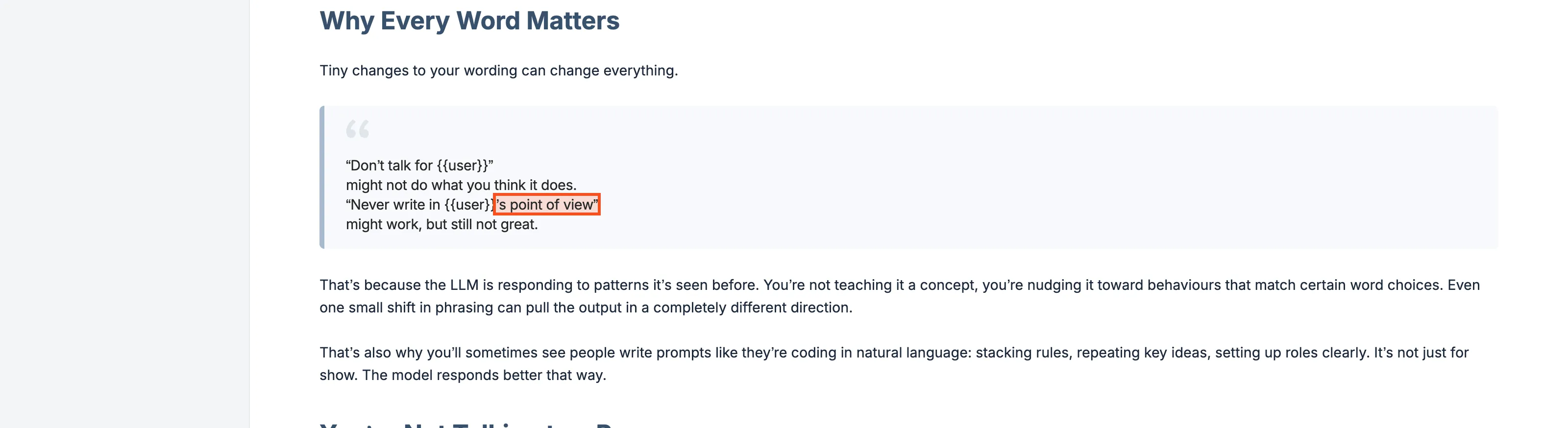
JanitorAI&#x27;s official Advanced Prompting article, the closest the help center comes to documenting perspective control

When it is the model, not the prompt

Perspective discipline varies by brain. The free built-in model loses instructions faster than the big proxied ones; if your third-person rule will not hold no matter where you place it, the fix might be a better model behind the proxy rather than a better sentence. And if the whole site is ignoring everyone today, that is a different page: is Janitor down.

Honest closing note: some apps make this entire page unnecessary, because perspective is a setting, not a negotiation. On Candy AI, the strongest texting of my test cycle, the model held character and perspective without any of the scaffolding above; my JanitorAI alternatives page maps which platforms still need the scaffolding and which do not.

Sources

  • JanitorAI help center: Advanced Prompting 101, the official prompting guidance, accessed Aug 2, 2026
  • Community technique documentation, Jun 29 2026 (updated Jul 14 2026) and Mar 2026 guides mapping the three placements and OOC syntaxes, as recorded in the research archive
  • The three prompt placements verified against JanitorAI’s public field names (Persona, Advanced Prompt, Generation Rules, Response Prefill), Aug 2, 2026

Questions people ask

JanitorAI FAQ

Does Janitor AI have a perspective or POV setting?

No. The help center documents no POV feature, toggle, or setting anywhere. Every working perspective change is a prompt you place yourself, and the three placements differ only in how long they last: persona prompt forever, response prefill per chat, OOC line until the context scrolls past it.

How do I stop Janitor AI from speaking as my character?

Put the instruction in a field that persists. In your persona or the chat's advanced prompt: Never write dialogue, thoughts, or actions for {{user}}. Mid-scene, an OOC line wrapped in system tags works instantly but fades; the persistent field is what stops the relapse.

How do I make Janitor AI write in third person?

Tell it where it lasts: add Always narrate in third person to the persona or advanced prompt, and for an already-drifting chat, send a system-tagged OOC line saying the same. If replies still open in first person, edit one reply into third person; the model copies the pattern it sees.

Why does the bot keep going back to first person?

Because mid-chat corrections live in the context window and scroll out of it. The fix is placement, not repetition: move the instruction into the persistent persona or advanced prompt, which outranks any OOC correction for durability, then re-send one OOC line to reset the current scene.

Does response prefill work with every model?

No. The documented break is DeepSeek V3.2, which rejects prefilled text and can emit gibberish when a prefill is set. If your replies degrade into nonsense on a DeepSeek proxy, clear the prefill field first and control perspective from the persona prompt instead.

Keep reading

The AI companion apps I've paid for and tested

Research tells you what the documents say. The reviews below are where I put my own card on file and found out; the rest keeps you inside this app's file.

Hands-on review

Swipey AI Review

The best-looking AI girlfriend app, and it makes you earn it.

Read →
Hands-on review

Lovescape AI Review

The adult scene that follows your lead, shot after shot.

Read →
Hands-on review

Secret Desires AI Review

The AI girlfriend that follows your fantasy past the first message.

Read →
alternatives

Janitor AI Alternatives: What Actually Holds Up When It Goes Down

Janitor AI down again? 8 researched alternatives sorted by what you want: filter freedom, character libraries, story depth, or full self-host control.

Read →
explainer

How to Set Up DeepSeek on Janitor AI, Now That the Old Way Is Dead

How to set up DeepSeek on Janitor AI in 2026: the old model names died July 24, every old guide is broken, and these two routes actually work.

Read →
explainer

Is Janitor AI Down, or Is It Just You? The 30-Second Check

How to tell in 30 seconds whether Janitor AI is down or it's just you: what the official status page misses, a real outage log, and symptom-matched fixes.

Read →
explainer

How to Import Chat in Janitor AI: What Works, What's Broken, and the Transplant Method

Janitor AI has no native chat import or export. The three methods that work in 2026: the Chatbot Manager extension, DevTools export, transplant.

Read →
explainer

Best Free Uncensored Models for Janitor AI, and Which Survive the Rate Limits

The free uncensored models Janitor AI users actually run in 2026: how each behaves in roleplay, which survived the OpenRouter purge, rate limits.

Read →
explainer

Janitor AI Proxy: Setup, Free Options, and What Every Error Code Means

What a Janitor AI proxy actually is, the current setup flow, which free options still exist as of July 2026, and a fix for every error code from 401 to 503.

Read →
explainer

How to Have Janitor AI Speak to You (It Has No Voice Built In)

How to have Janitor AI speak to me, answered honestly: no native voice or TTS exists. The userscript and browser routes that add one, compared.

Read →
safety

Is Janitor AI Safe? I Read the Privacy Policy So You Don't Have To

Is Janitor AI safe? Who runs it, where your chats go, what the December 2025 privacy policy actually says, the proxy question nobody covers, and the breach record.

Read →
App profile

JanitorAI profile and rankings

Where JanitorAI stands in the No Filter Arena, with community scores and tracked data.

Read →

Hi, I'm Sam.

I test AI companion apps with my own subscriptions and read the policies nobody else finishes. Forget about love. I'm here for the data.

Stay up to date, once a week.