The short answer
To cancel a Candy AI subscription billed on the website:
- Log in at candy.ai and open your profile menu.
- Click Settings.
- Scroll to the bottom: your subscription details sit there with an Unsubscribe button.
- Click Unsubscribe and follow the confirmation prompts.
- Keep the confirmation; your plan stays active until the end of the paid period.
If you subscribed through the App Store or Google Play, that button will not help you: cancel in your phone’s subscription settings instead, covered below. Those are the two paths; everything else on this page is what the official answer leaves out.
Cancel on the candy.ai website, step by step
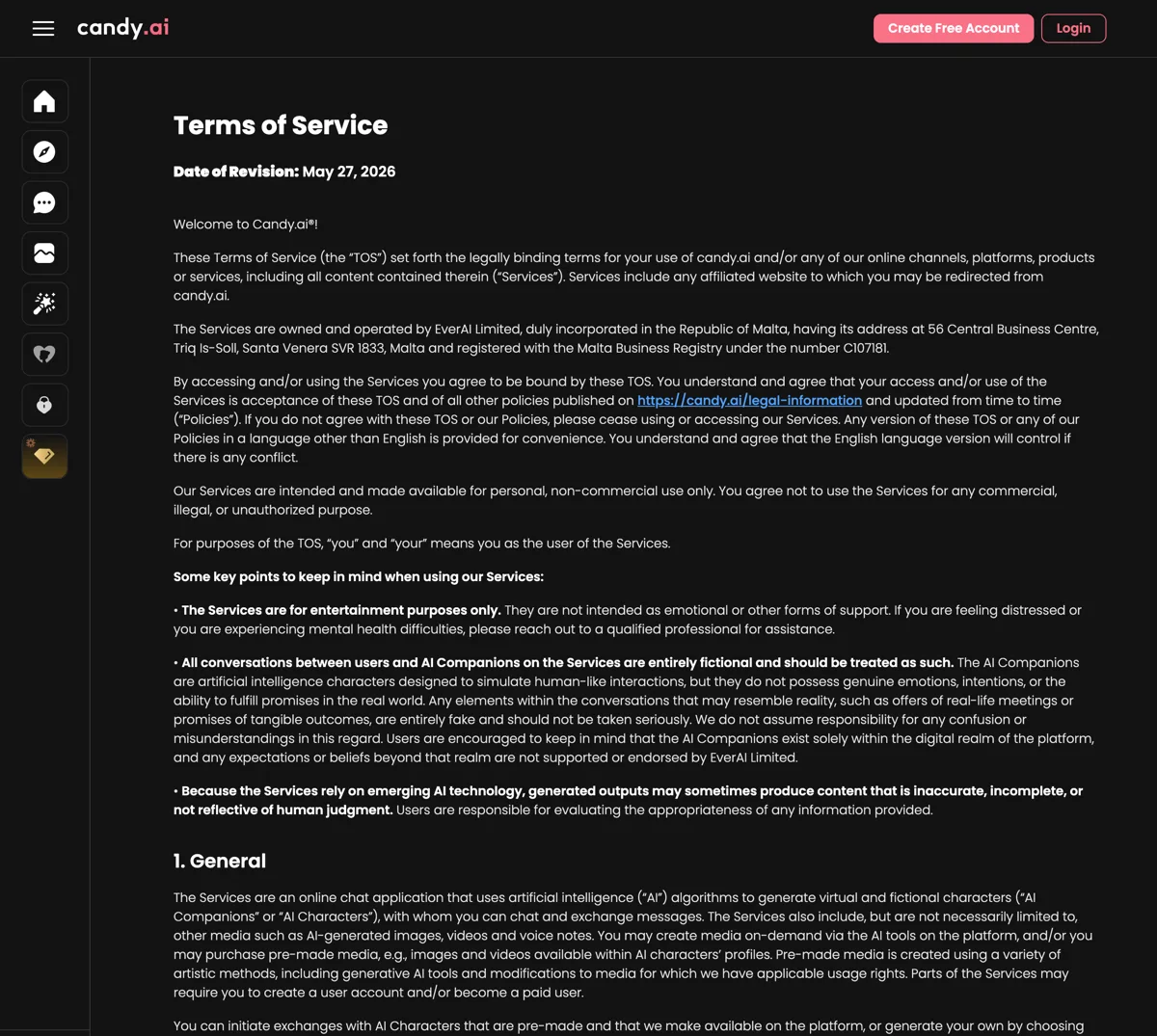
The steps above match Candy’s own help-center article and its Terms of Service, revised May 27, 2026, word for word where it matters: “You have the flexibility to cancel your subscription at any time by going to Settings / Unsubscribe within your account. If you choose to cancel, your subscription will remain active until the end of the current billing period, and you will not be charged for the subsequent period.”
Worth knowing who you are dealing with: the Terms name the operator as EverAI Limited, incorporated in Malta, registration C107181, which is why the official help center lives on an “everai” domain. One honest signal from that help center: its own cancellation article carries a net negative user-vote score, which matches how often the next section turns out to be the real answer.
Subscribed through the App Store or Google Play?
This is the gap in the official answer: it covers the web path only. If your subscription was purchased inside the mobile experience through Apple or Google, the billing relationship is with the store, and only the store can cancel it:
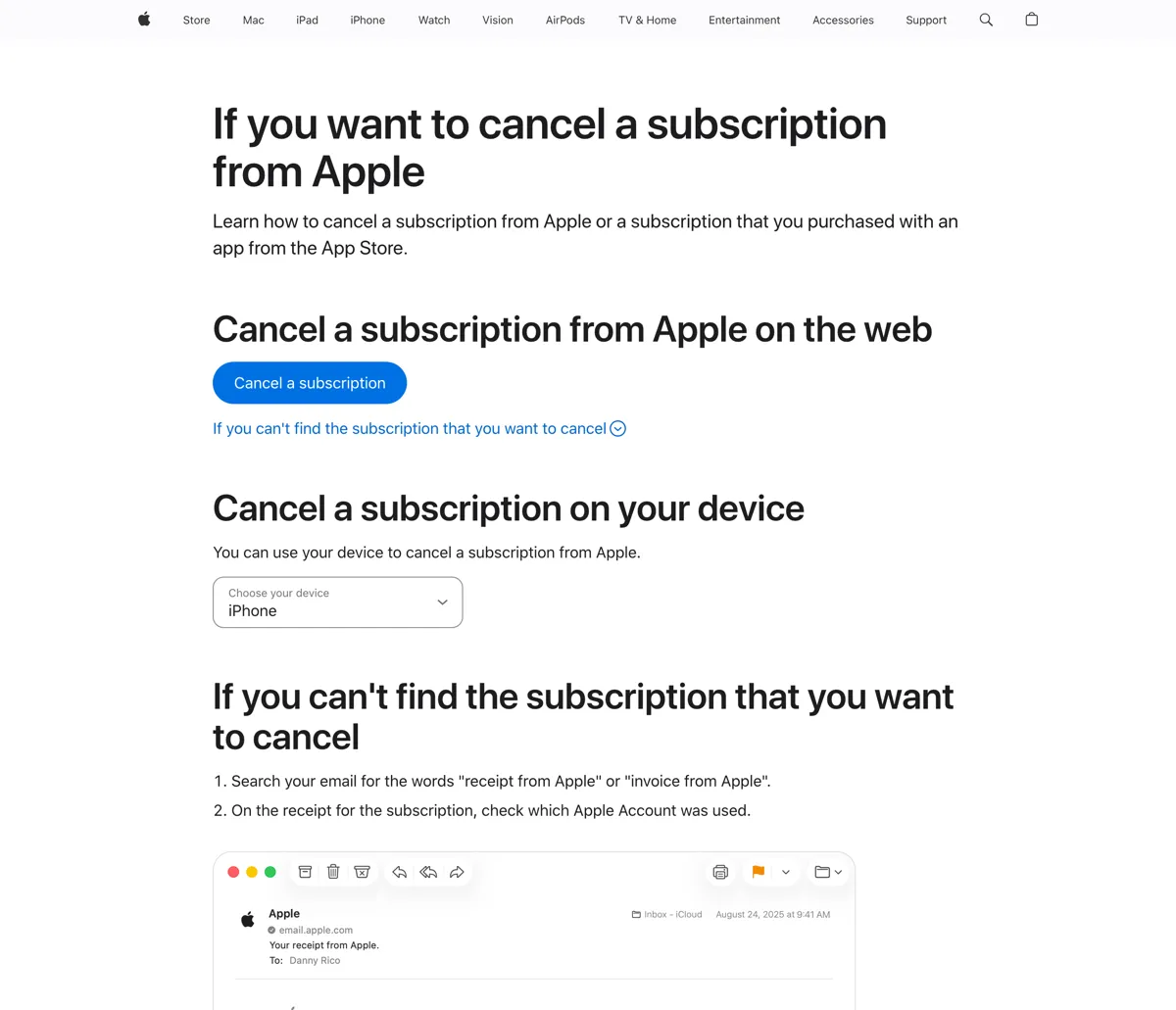
- iPhone: Settings, your name, Subscriptions, select the subscription, Cancel Subscription. Apple’s official walkthrough is its manage-subscriptions page.
- Android: Google Play, profile icon, Payments and subscriptions, Subscriptions, select it, Cancel. Google’s help center documents the same path.
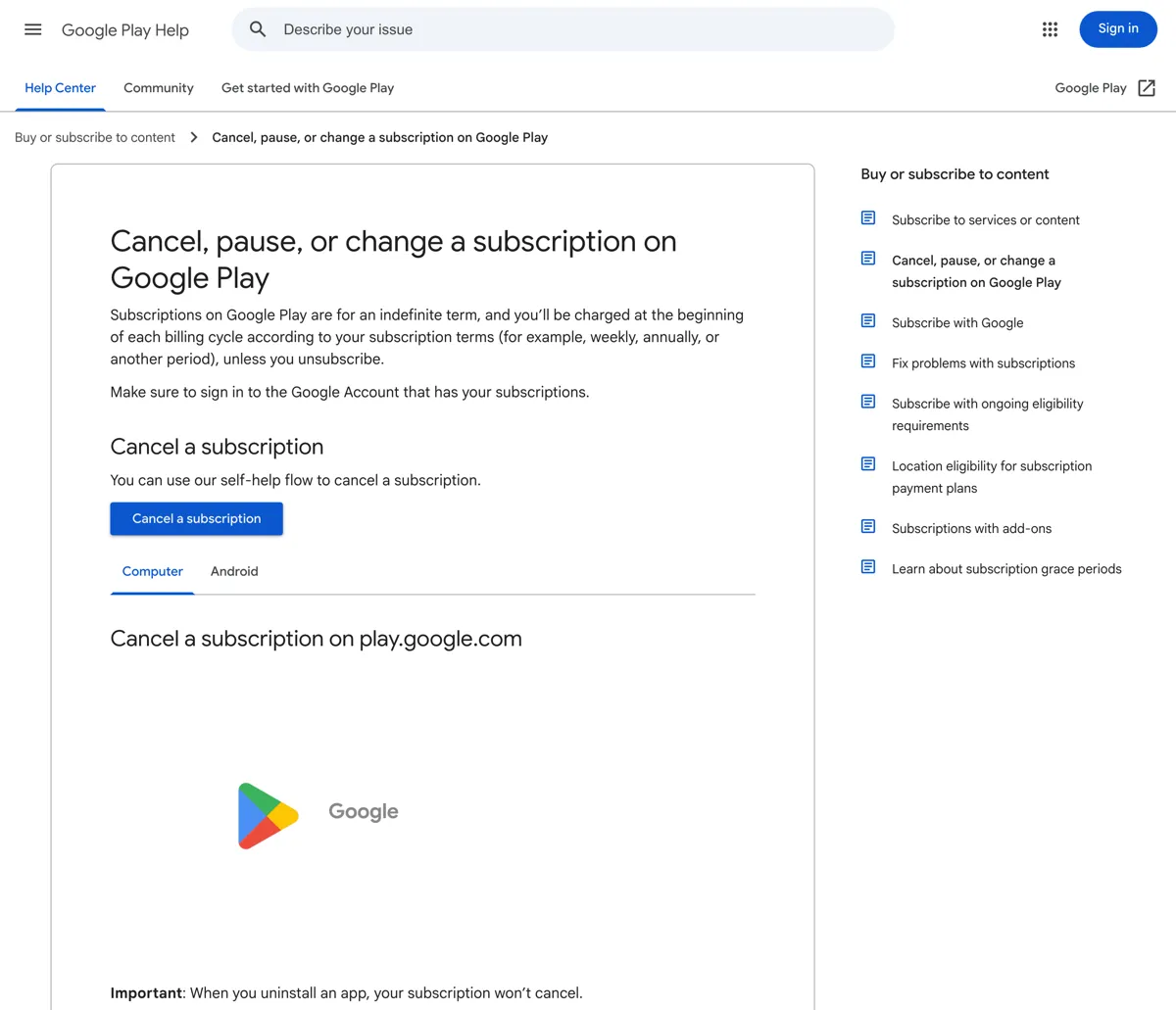
The tell for which path you are on is your billing statement: a charge from Apple or Google means store billing; a charge naming candy.ai or its payment processor means web billing and the website button.
What happens after you cancel
Three things, all from the Terms rather than guesswork. Your access continues to the end of the paid period; cancellation stops renewal, not the clock. Unused subscription tokens expire when the paid period ends, so spend a remaining balance before the end date instead of assuming it survives. And your account itself stays open: canceling stops billing, nothing more.
Refunds: what the Terms actually say
Do not expect one. The revised Terms’ refund language runs in one direction, listing what will not be refunded: moderation actions, removed or modified characters, features, or content. There is no general refund promise for ordinary cancellation; the model is cancel-to-stop-the-next-charge. If you believe a charge is genuinely in error, the routes are candy.ai support for web billing, or Apple and Google’s own refund processes for store billing, which run on their rules, not Candy’s.
Deleting your account is a separate step
Unsubscribing and deleting are different actions: cancellation ends billing while the account and its data remain. If your goal is leaving no account behind, do the cancellation first, let the paid period run out if you want the remaining tokens, and then use the account-deletion path; my Candy AI review covers the data side, including what its policies disclose about chat processing.